Usage
With a configuration in place, simply invoke PackageGuard like this:
packageguard --config-path <path-to-config-file> <path-to-solution-file-or-project>
If you pass a directory, PackageGuard will try to find the .sln, .slnx or package.json files there. But you can also specify a specific .csproj or package.json to scan.
If everything was configured correctly, you'll get something like:
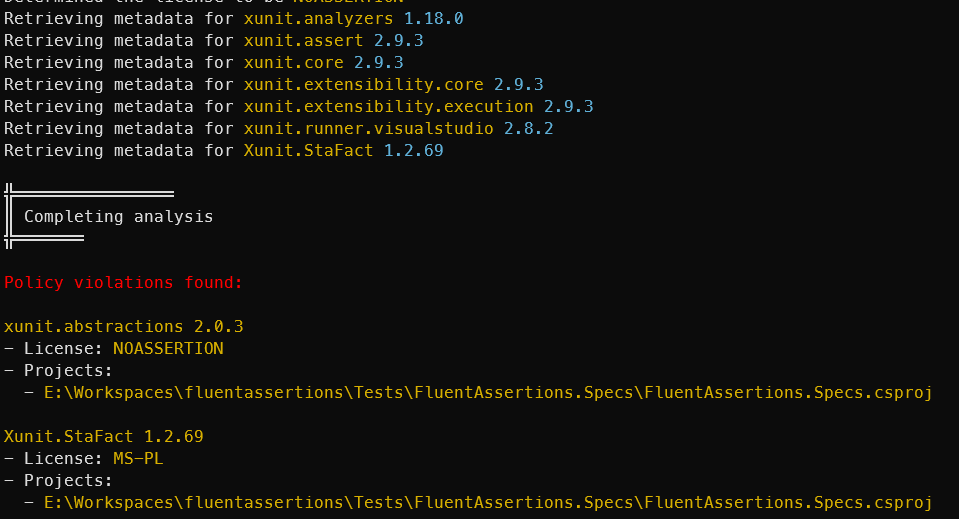
The exit code indicates either 0 for success or 1 for failure.
Where to next?
- Getting started with
init- scaffold a configuration from the licenses you actually use - Explaining a package - see why a specific package is present and how it was evaluated
- Redundant references and version conflicts - find package references you do not need
- Risk Metrics - score every package on legal, security and operational risk
- Software Bill of Materials - emit the dependency graph as CycloneDX or SPDX
- Caching and rate limits - make repeated scans fast and avoid GitHub throttling